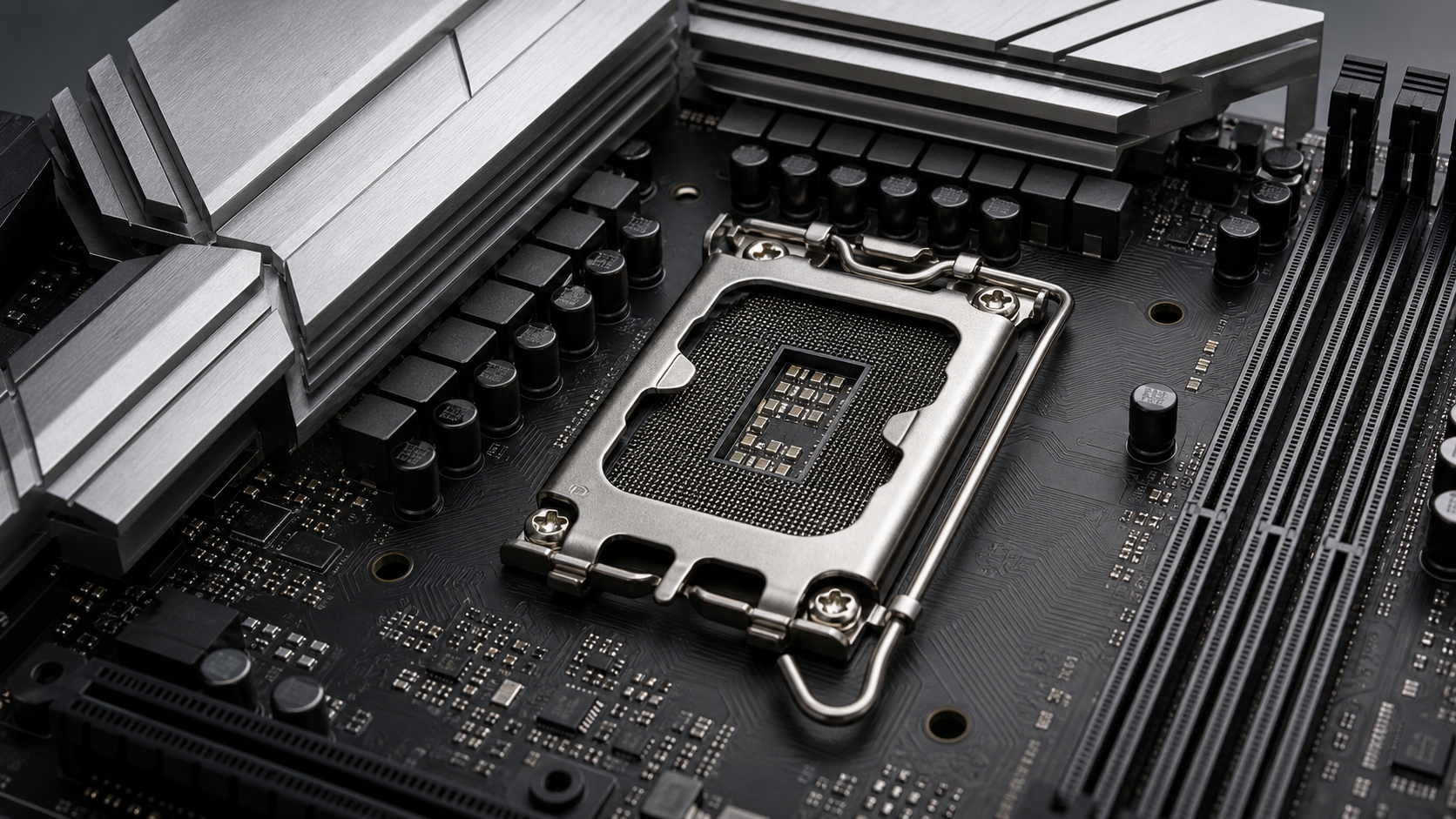
If you're a seasoned PC builder, you'll know all about socket types. Getting a processor is only half the battle because you need a motherboard with a supported socket and chipset. In this blog, I'll introduce you to socket types and chipsets and how you can pick out compatible parts for your next PC build.
Team Red or Team Blue
One of the first sides you'd have to pick when building a PC is whether you want to go for an Intel based system or an AMD based system. Socket types and chipsets differ based on this selection. But that's not all, even after choosing a side, you'll need to figure out the generation of your processor to pick up a compatible motherboard. I know I threw around a bunch of new terms there, but don't worry, we'll get to those in a minute. The current generation from Intel uses the LGA 1851 socket. The latest from AMD uses the AM5 socket or the LGA 1718 socket.
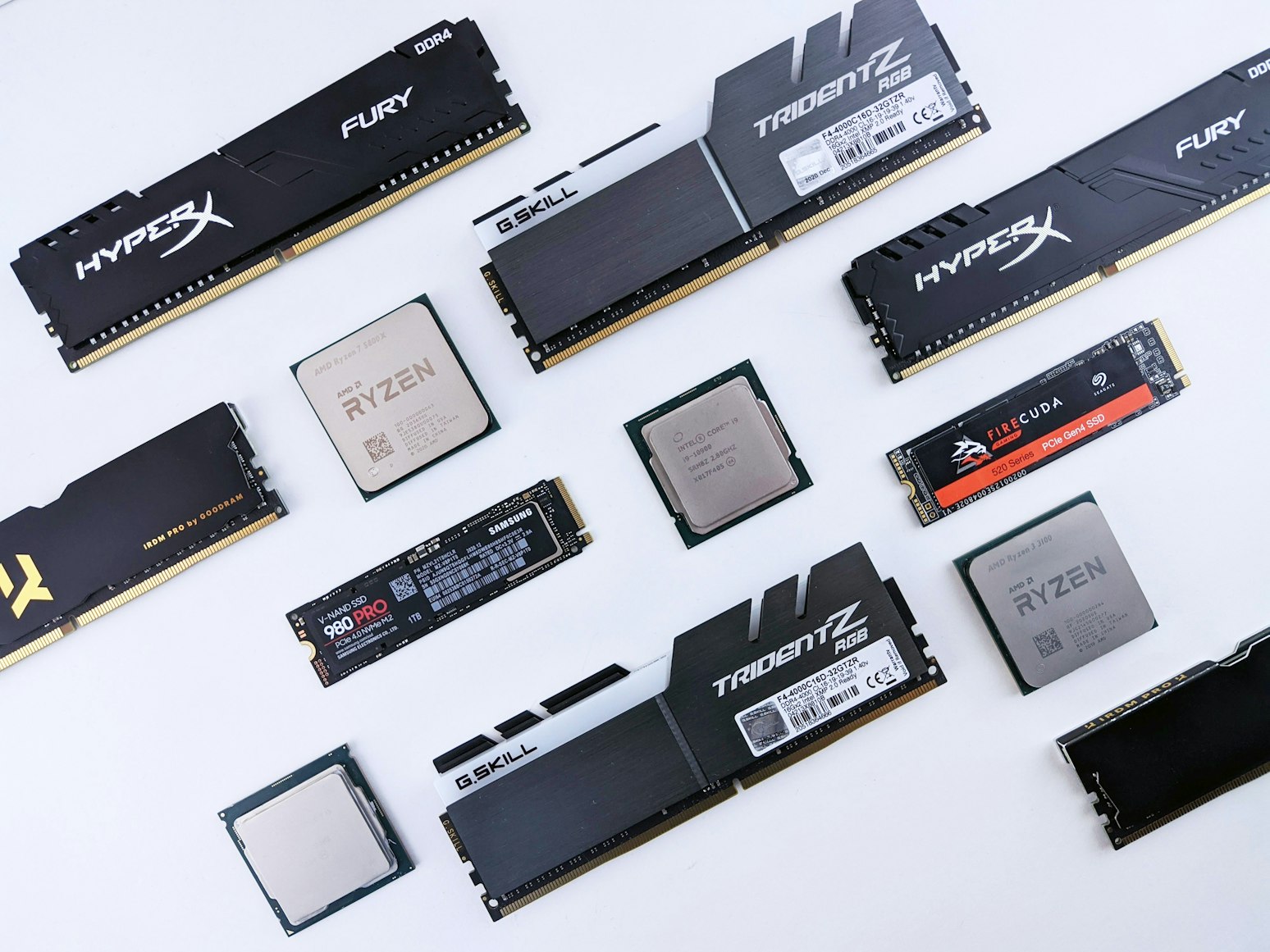
Intel and AMD both change sockets over time, especially when a new CPU design needs different power delivery, memory support, or physical connections.
For example, a newer Intel processor may use a different LGA socket than an older Intel processor, even if both are Core i5 or Core i7 chips. The same applies to AMD Ryzen processors. A Ryzen 5 chip from the AM4 era will not fit into an AM5 motherboard, even though both are Ryzen CPUs.
This is why it is important to check three things before buying:
The CPU socket
The motherboard socket
The chipset support list
The socket tells you whether the CPU can physically fit into the motherboard. The chipset and BIOS support tell you whether the motherboard can actually run that CPU properly.
LGA and PGA
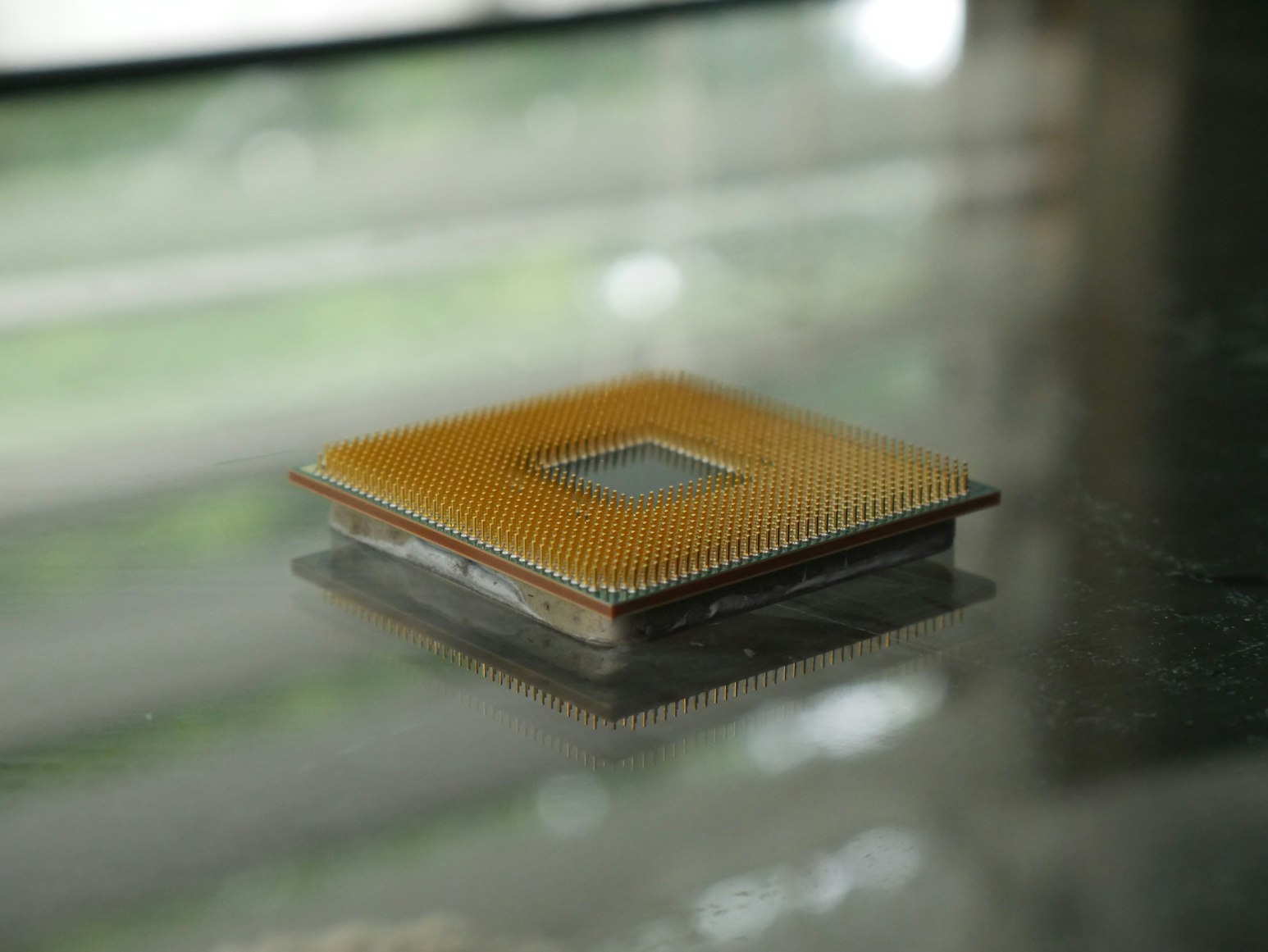
The previous generation of AMD processors used the AM4 socket. This includes the Ryzen 1000, 2000, 3000, and 5000 series processors. There are some older A-series and Athlon processors that use the same socket as well. AM4 is a PGA type socket which stands for Pin Grid Array. It essentially means that the processor has pins at the bottom and the socket on the motherboard has holes into which the processor fits.
Intel has been using LGA type sockets, or Land Grid Array type sockets since 2004. These processors have contacts at the bottom and the motherboard has pins that come into contact with them. LGA type CPUs are less prone to damage in comparison to PGA type CPUs because you don't have pins to damage or bend.
The number next to LGA or PGA corresponds to the number of pins under the processor or inside the motherboard socket.
The number in a socket name can be useful, but it does not tell the full story by itself. For example, LGA 1700 and LGA 1851 are both Intel sockets, and they may look somewhat similar at a glance, but they are not the same. A CPU designed for one will not work in the other.
The socket name must match exactly. Even a small difference usually means the CPU and motherboard are not compatible.
Socket design affects both installation and durability. With PGA processors, the pins are on the CPU itself. If the CPU is dropped or handled roughly, those pins can bend, which may stop the processor from seating correctly. In some cases, bent pins can be carefully straightened, but it is a risky process.
With LGA processors, the pins are inside the motherboard socket instead. This means the CPU itself is usually more durable, but the motherboard socket becomes more delicate. Accidentally touching or damaging the socket pins can prevent the system from booting or cause memory and PCIe issues.
Choosing a motherboard
If you have an AM4 motherboard, you may be able to use many processors from the series listed above, but compatibility depends on the motherboard chipset and BIOS version.
Some motherboards require a BIOS update if the processor launched after the motherboard itself. Some motherboards let you update the BIOS without a CPU but a lot of the lower or mid-tier boards require a compatible CPU to use the boot menu to update the BIOS.
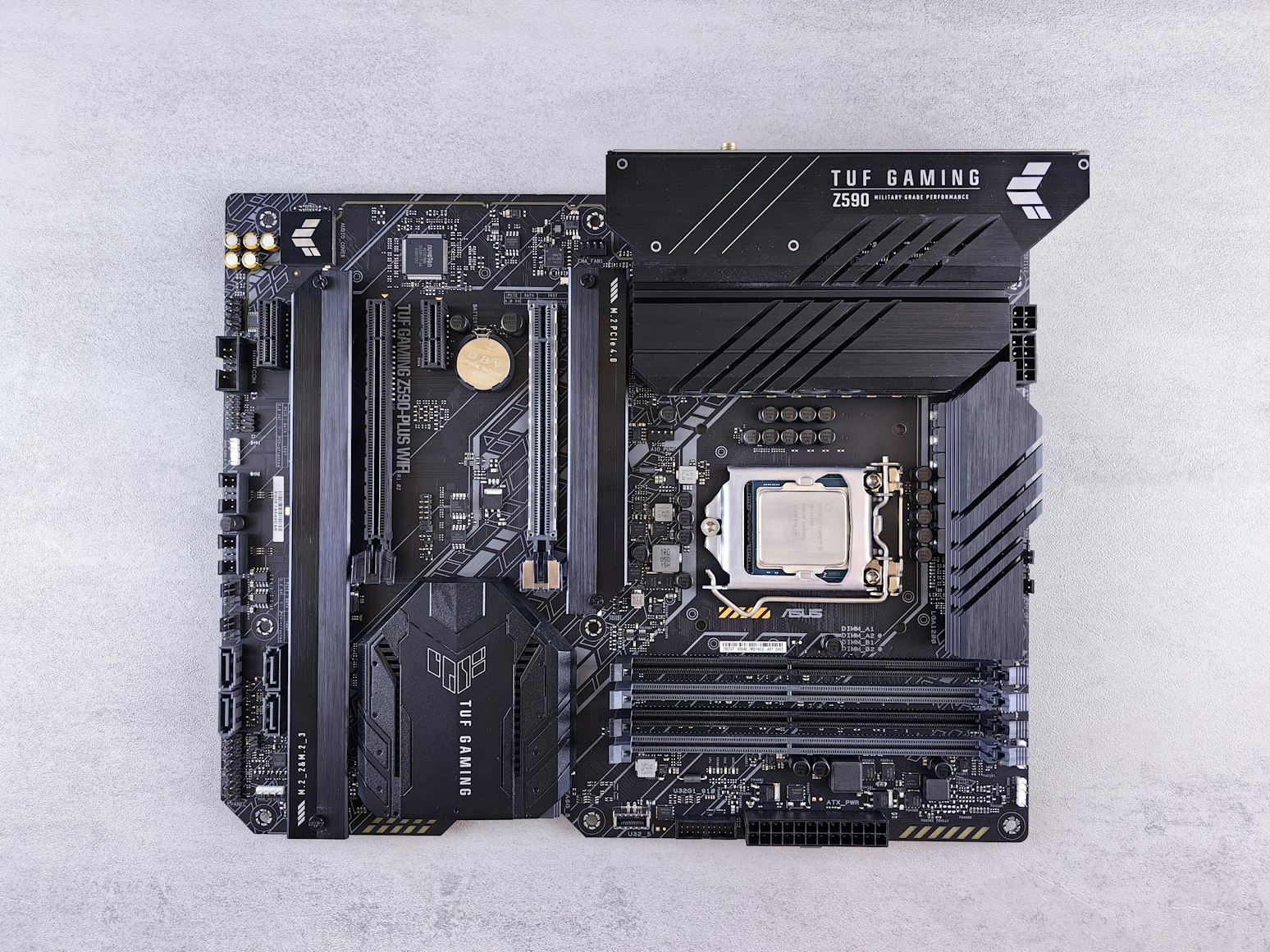
BIOS compatibility is one of the most common issues when pairing a newer processor with an older motherboard. A motherboard may have the correct socket but still fail to boot if its BIOS does not recognize the CPU.
This usually happens when a processor launches after the motherboard was originally released. In that case, the board may need a BIOS update before it can support the newer chip.
If the motherboard does not support this feature, you may need an older compatible CPU to perform the BIOS update. This is worth checking before you buy, especially with budget motherboards.
Chipsets
A chipset helps manage communication between the CPU and other parts of the system, such as storage drives, USB ports, expansion slots, and other motherboard features.
It's not that important to know in depth about chipsets, but it helps to know what tier these chipsets are geared towards.
Chipsets are usually divided into different tiers. The socket decides whether the CPU can physically fit, while the chipset helps determine what features the motherboard offers.
In simple terms:
• Entry-level chipsets are good for basic systems and budget builds.
• Mid-range chipsets are ideal for most gaming and productivity PCs.
• High-end chipsets are best for enthusiasts, overclockers, and users who need lots of connectivity.
In short, the socket tells you whether the CPU can physically fit into the motherboard, while the chipset determines what features the motherboard supports. Before buying, always check the motherboard’s CPU support list, BIOS requirements, and memory compatibility. Doing this can save you from one of the most common PC building mistakes: buying parts that look compatible but do not actually work together.